Event Production

Event Live Streaming That Looks Produced

Multi-camera live streams for conferences, galas, town halls and tribute events, with switching, graphics and presentation content, so people watching from home see a real show.

  • Conferences and general sessions
  • Galas and fundraisers with remote supporters
  • Company town halls and all-hands meetings
  • Tribute events and award ceremonies
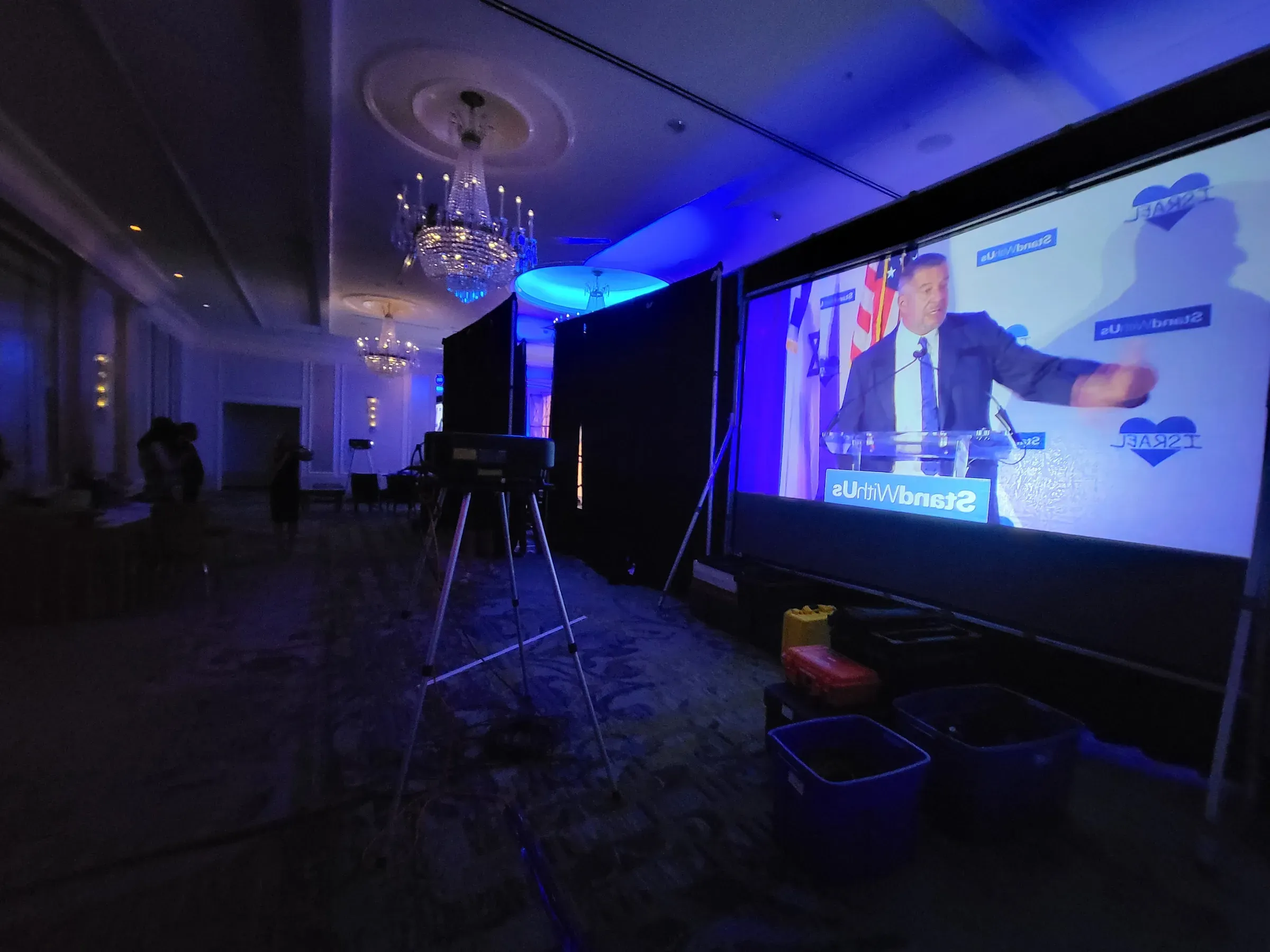
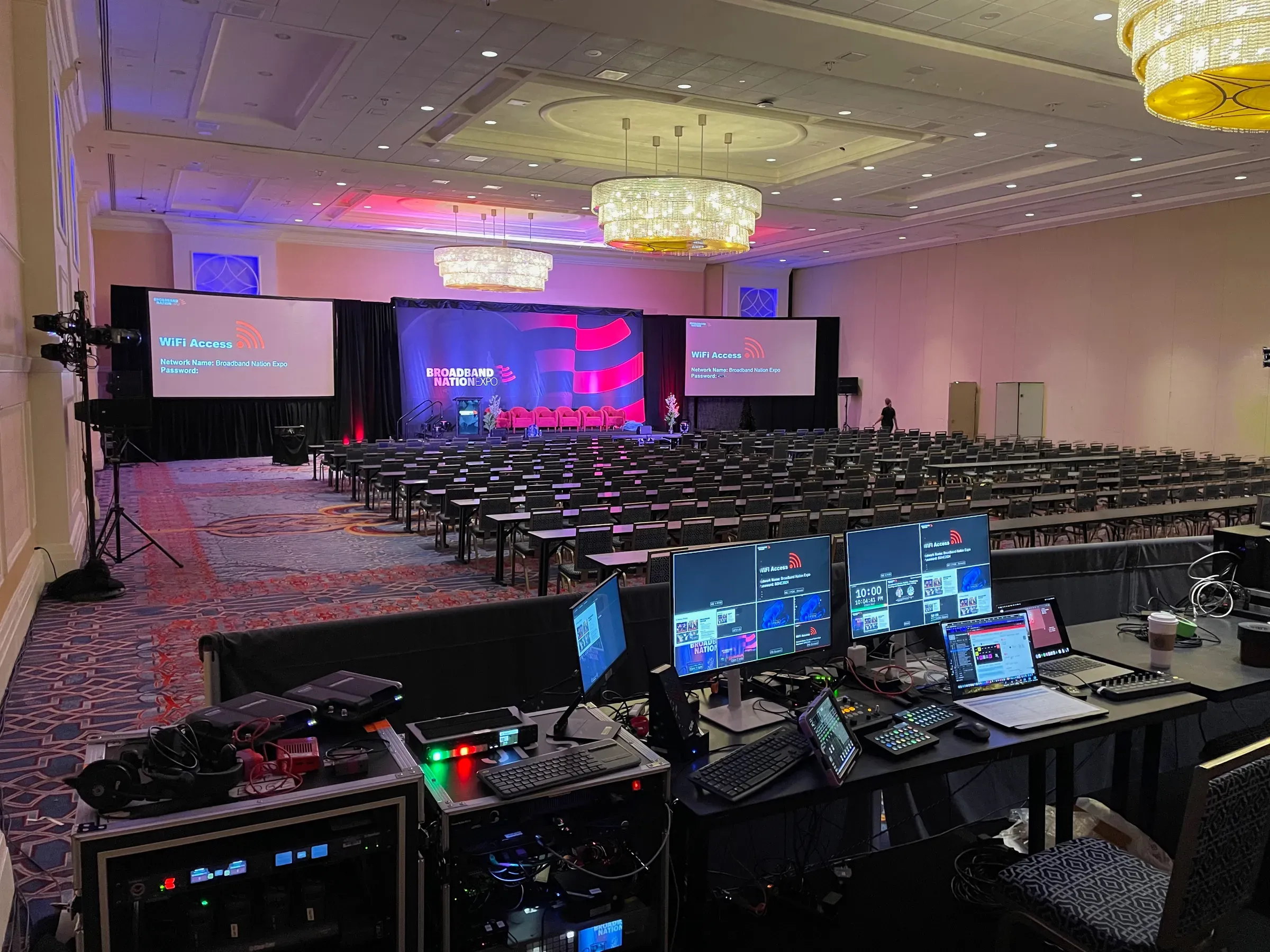
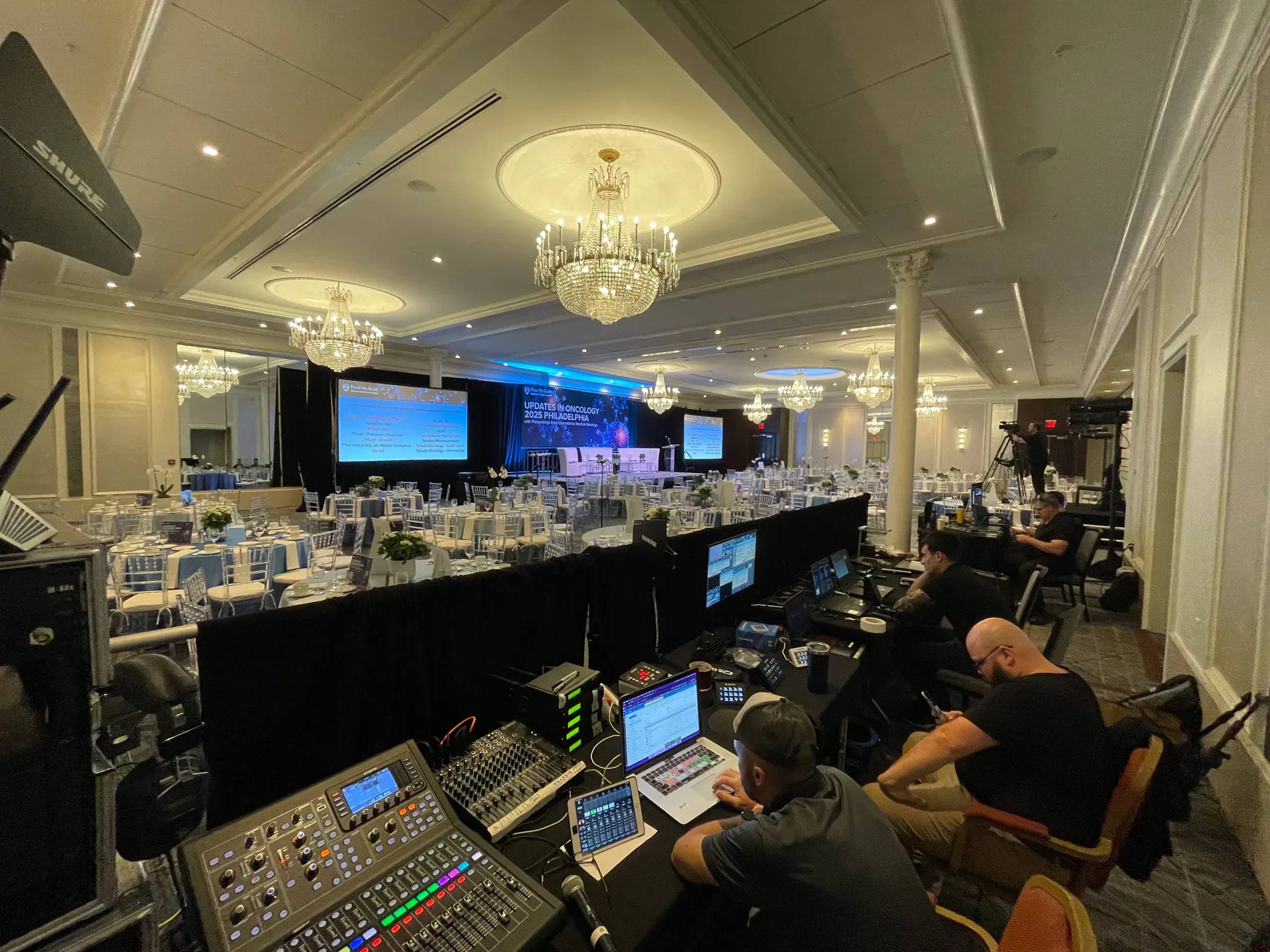
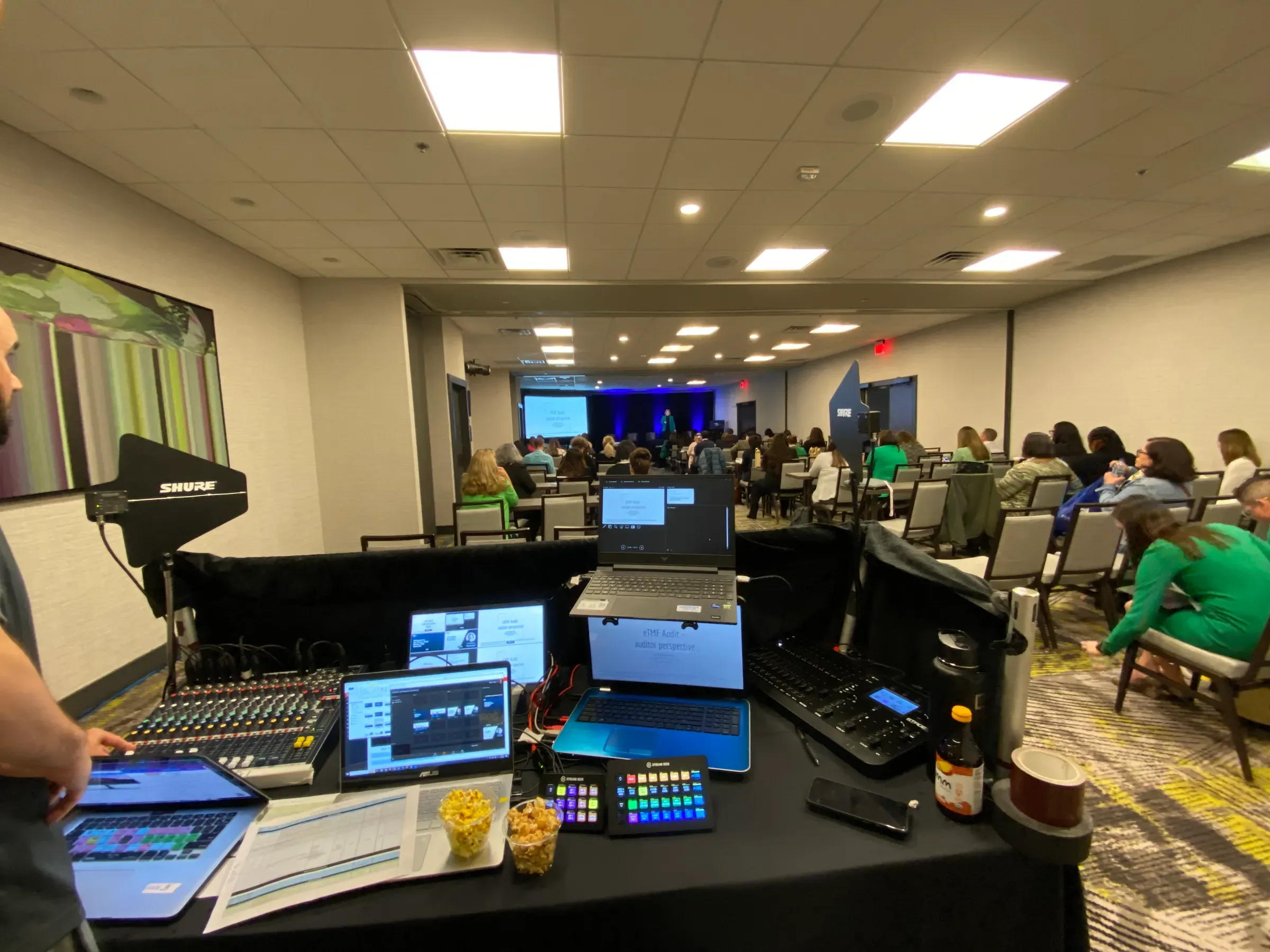
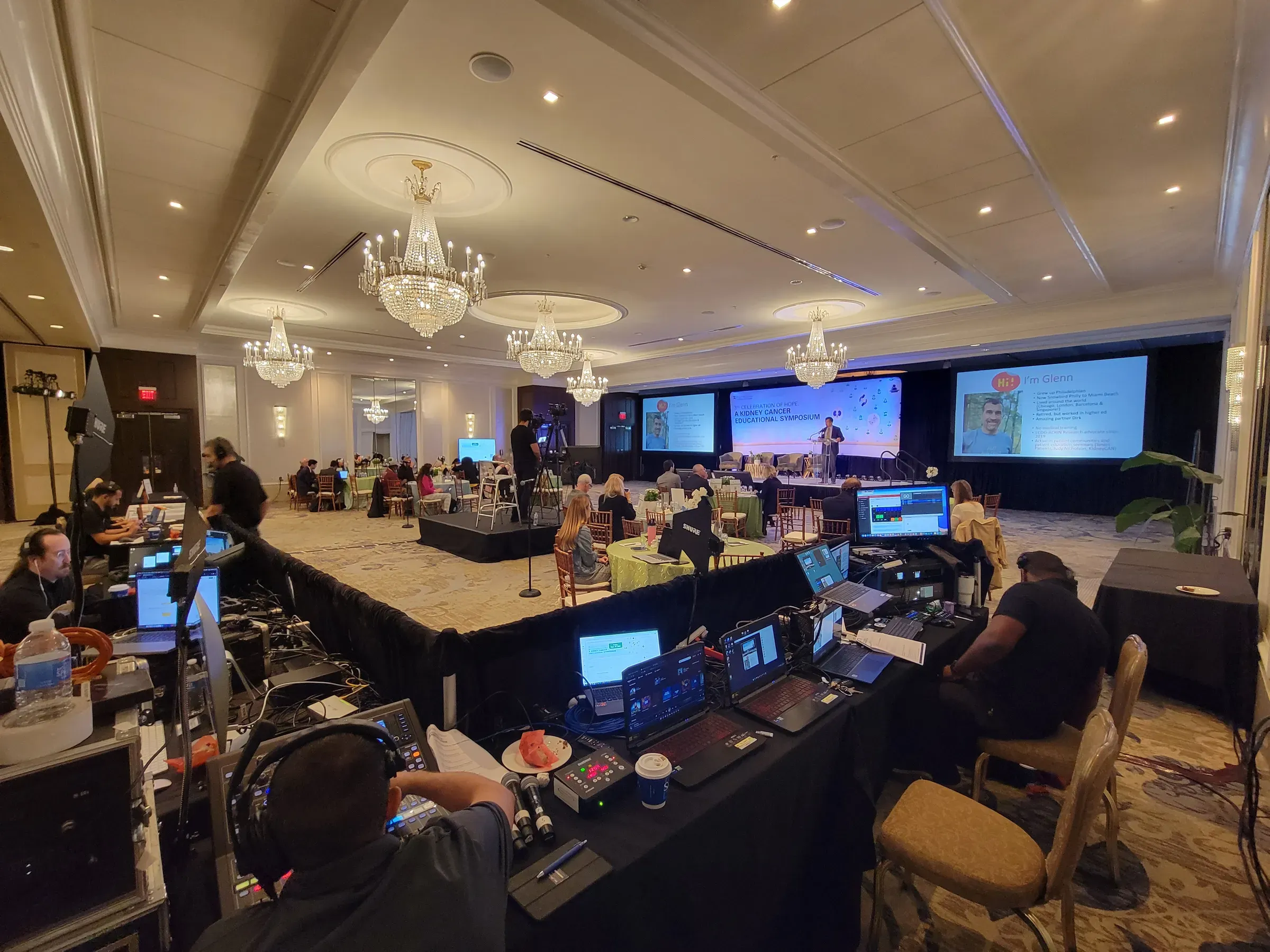
Our crew at front of house running video, graphics and audio for a ballroom conference
What's included

What you get

  • Multiple cameras

    Camera angles on the stage, the presenter and the room, so the stream cuts between them instead of sitting on one wide shot.

  • Live switching and layouts

    A video switcher cuts between cameras and slides, and builds picture-in-picture layouts (presenter beside slides, panelists side by side) live.

  • Graphics and slides

    Names and titles on screen, sponsor and event graphics, and the same presentation content the room sees, sent cleanly to the stream.

  • Clean audio

    Microphones mixed separately for the stream, so remote viewers hear every speaker clearly instead of the room echo.

  • Delivery to your platform

    We stream to the platform you use, from a public page to a private link for employees or members, and test it with you before doors open.

  • Recording

    A recording of the program you can post afterward, so people who missed it live can still watch.

Your stream is part of the show

Most event streams are an afterthought: one camera at the back of the room, the slides too small to read, and audio picked up from a speaker on the wall. Viewers drop off in minutes.

We produce the stream the same way we produce the room. Cameras are placed for the program, a switcher operator cuts between the speaker and the slides, and the audio is mixed separately for people listening at home. With layouts like picture-in-picture, viewers can see the presenter and the slide at the same time, the way they would in the room.

One crew for the room and the stream

Because the same team runs the sound, video and stream, nothing gets lost between vendors. The microphones that feed the room feed the stream; the slides on the room screens are the slides in the stream; and one producer follows your run of show for both.

How we plan it

Before the event, we confirm the internet connection with your venue, set up the streaming destination with you and agree on the graphics and layouts. On the day, we run a test stream before doors open, so you can check it from your own phone or laptop.
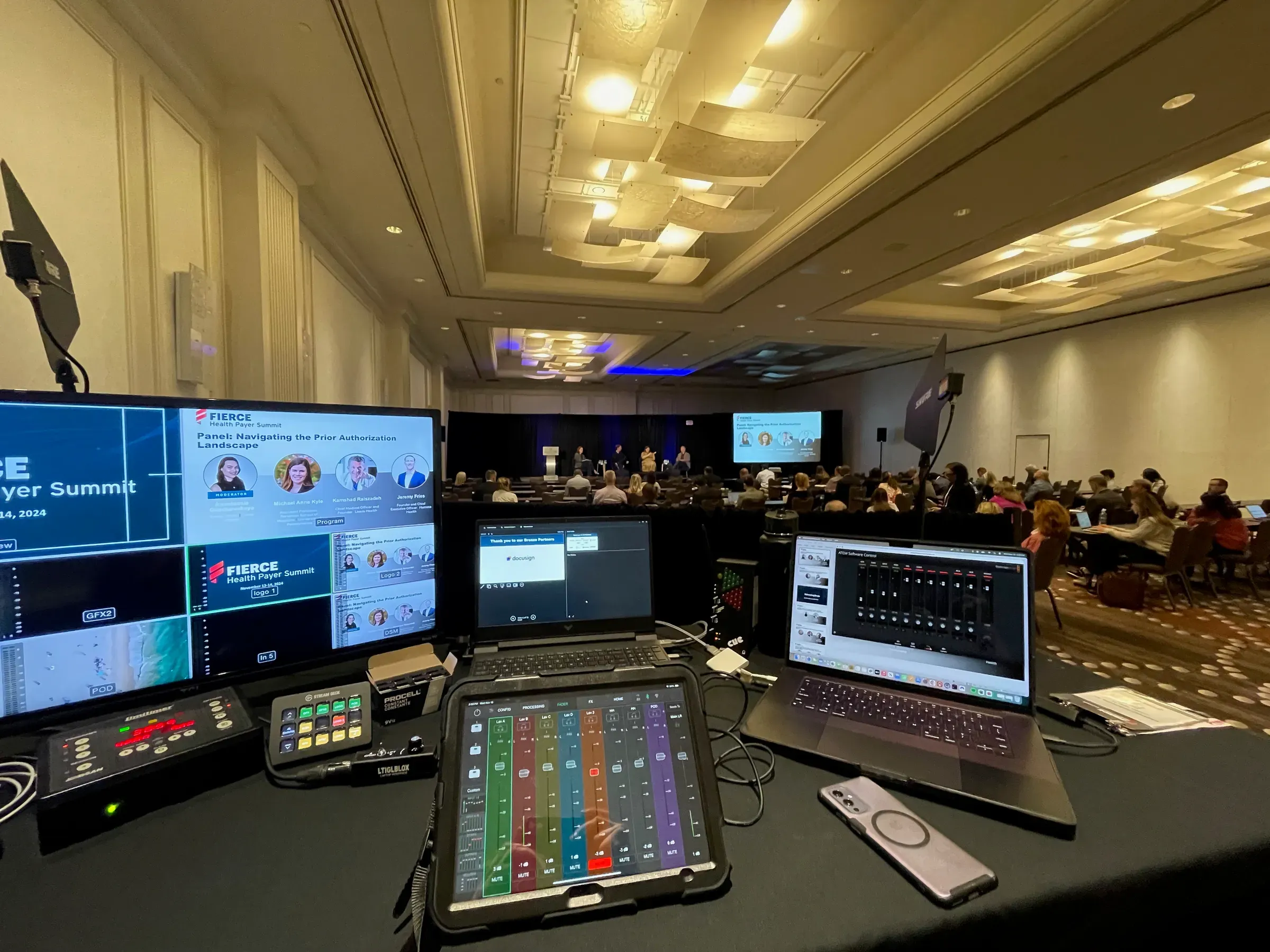
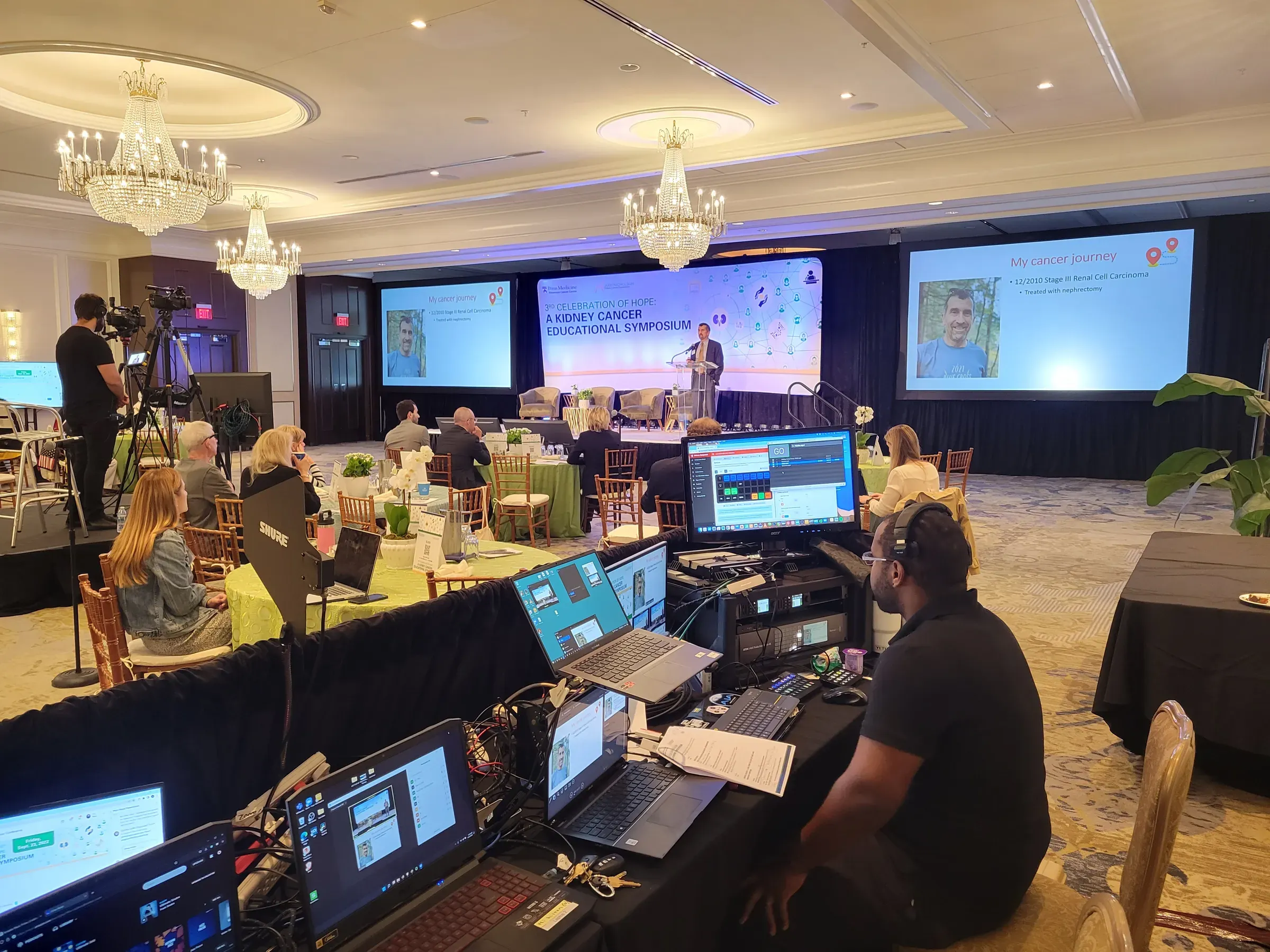
On the job
FAQ

Common questions

What internet connection does a live stream need?

A wired connection dedicated to the stream, not shared hotel Wi-Fi. Plan for at least 10 Mbps of upload speed for a 1080p stream; we confirm the venue's line ahead of time and test it on site before the event starts.

Which platforms can you stream to?

The one your audience already uses, whether that's a public page, a private link for staff or members, or your meeting platform. Tell us where viewers will watch and we'll set it up and test it with you.

Can remote speakers present during the stream?

Yes. Remote presenters can join by video call and appear on the room screens and in the stream, with audio set up so they can hear the room without echo. See our hybrid events page for more.

Do we get a recording?

Yes, we record the program so you can post it afterward or share it with people who couldn't watch live.

Can you stream an event outside the Philadelphia area?

Yes. We regularly travel for events, including a recurring annual stream at Encore Boston Harbor, and we have locations in Washington, DC, Orlando and San Diego.

Ready to plan it?

Tell us the date, venue and what you have in mind. We'll follow up within one business day with recommendations and a quote.

Call (888) 961-9700Get a Quote