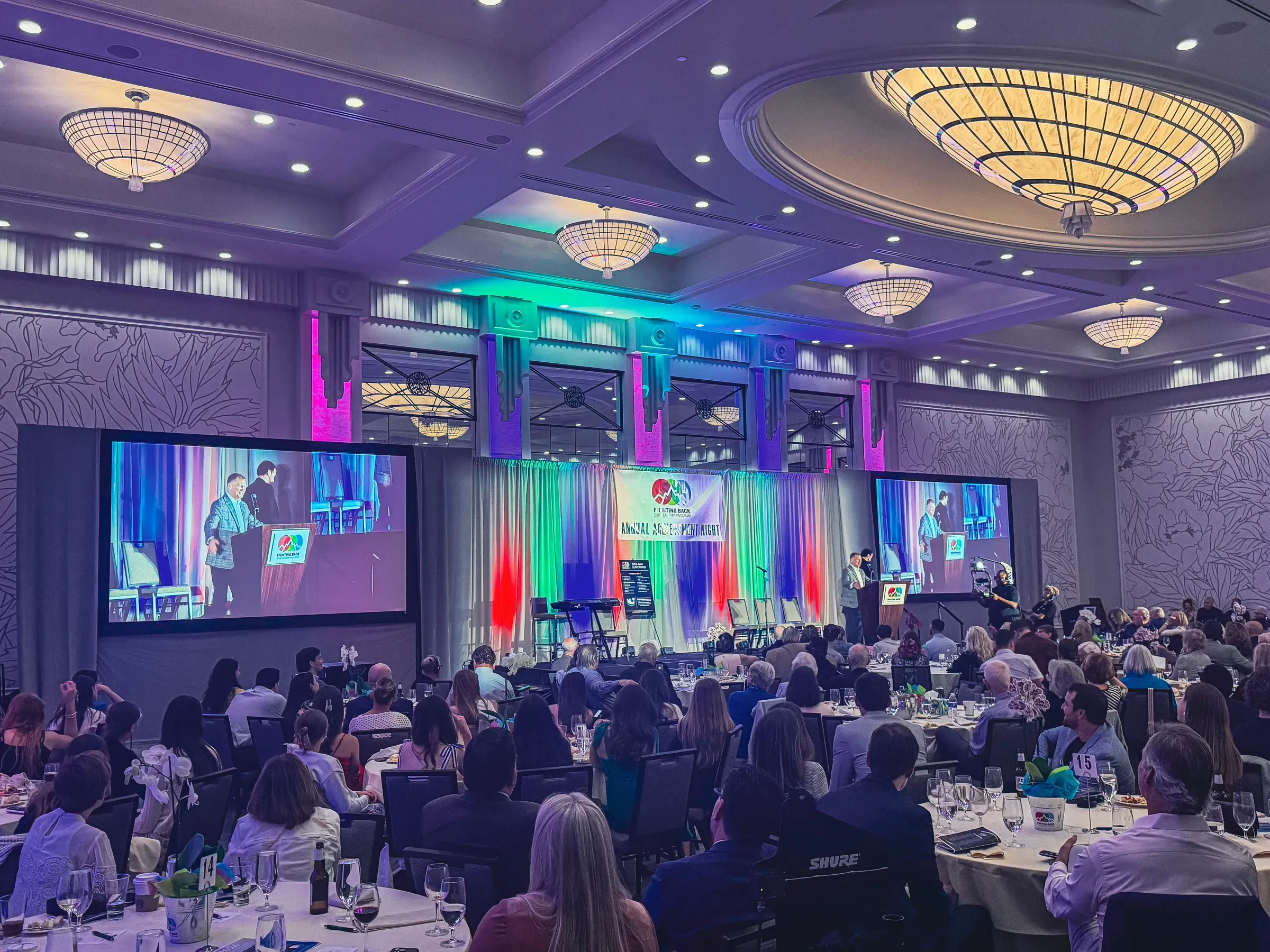
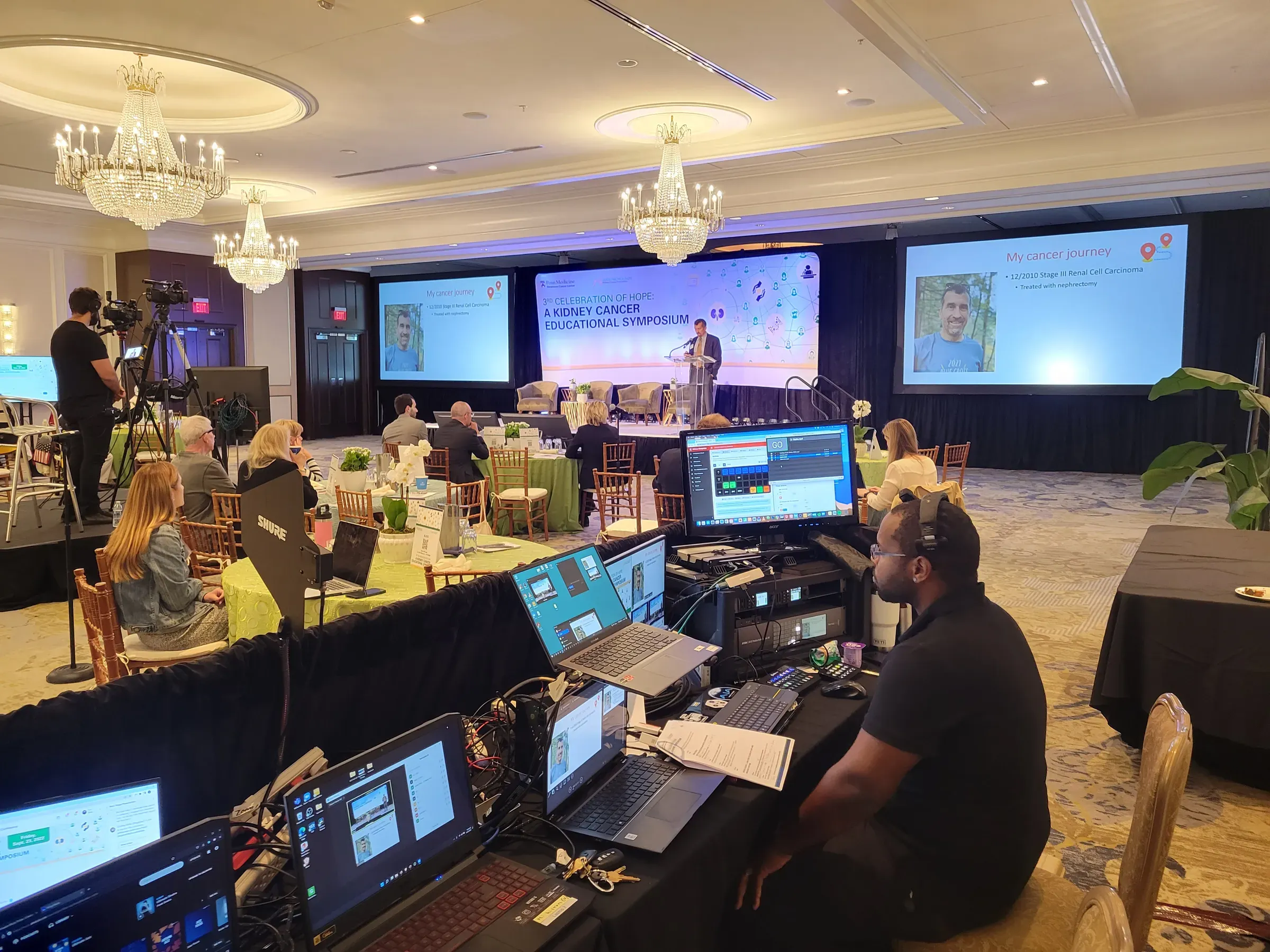
Event Production

Webinar Production for Town Halls, All-Hands and More

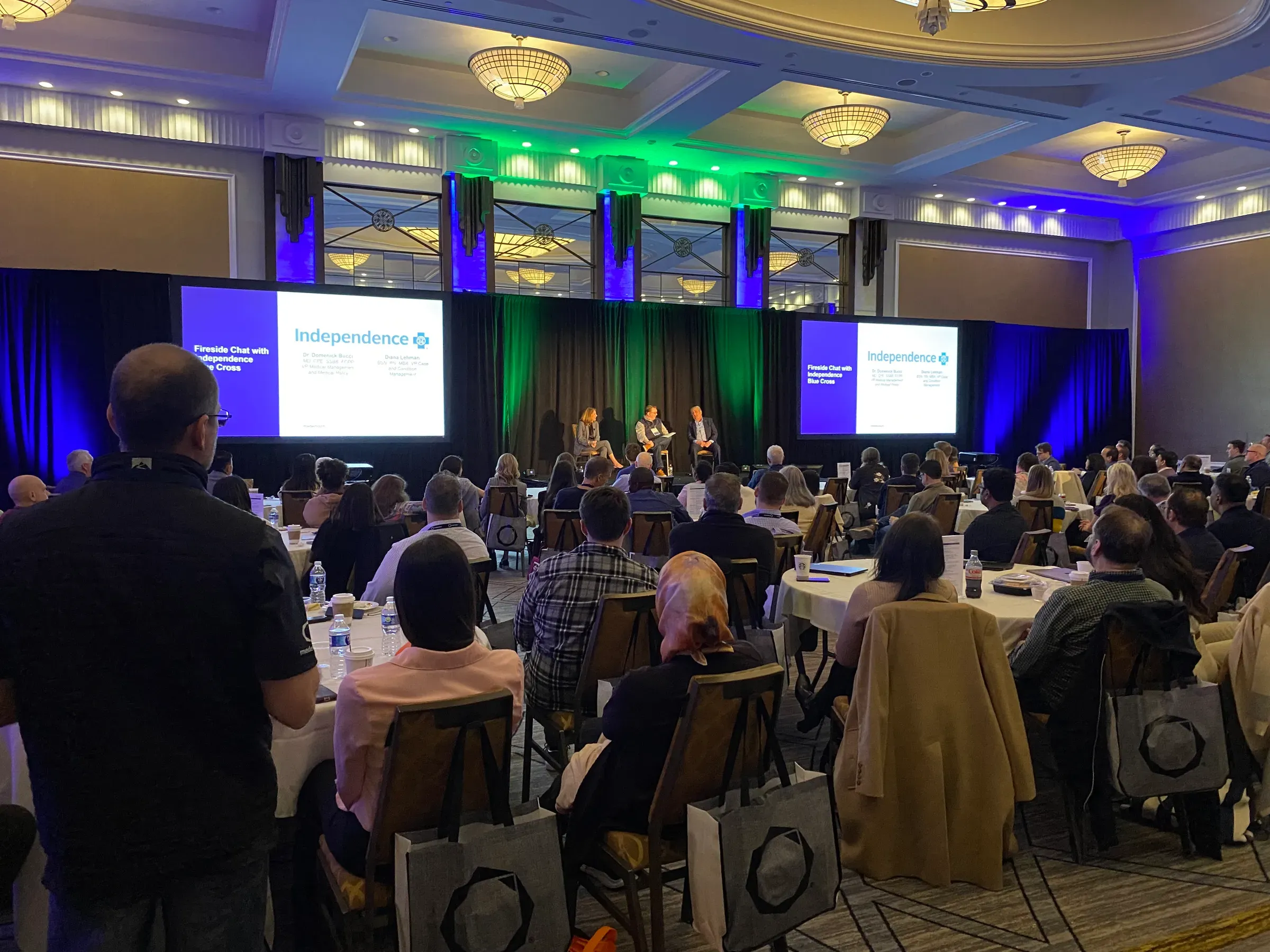
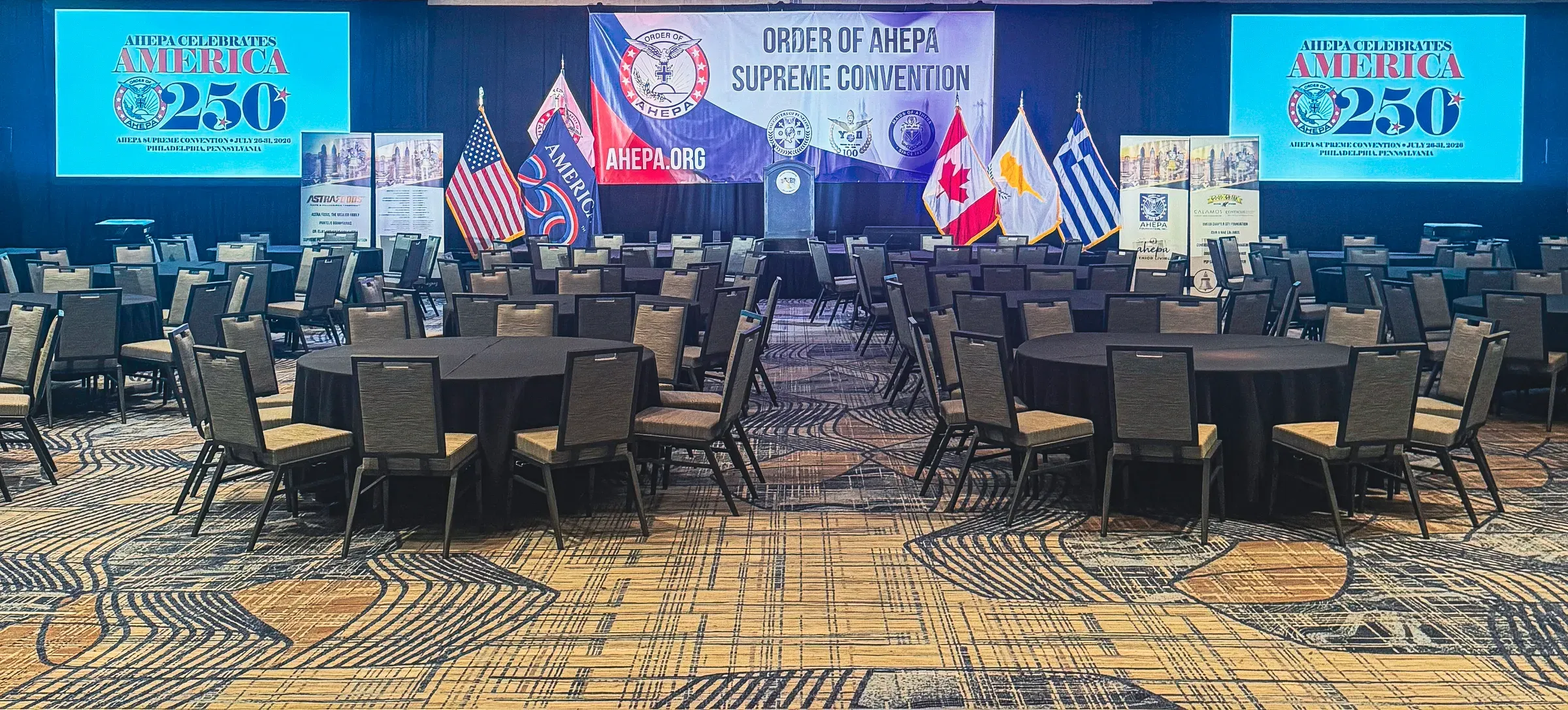
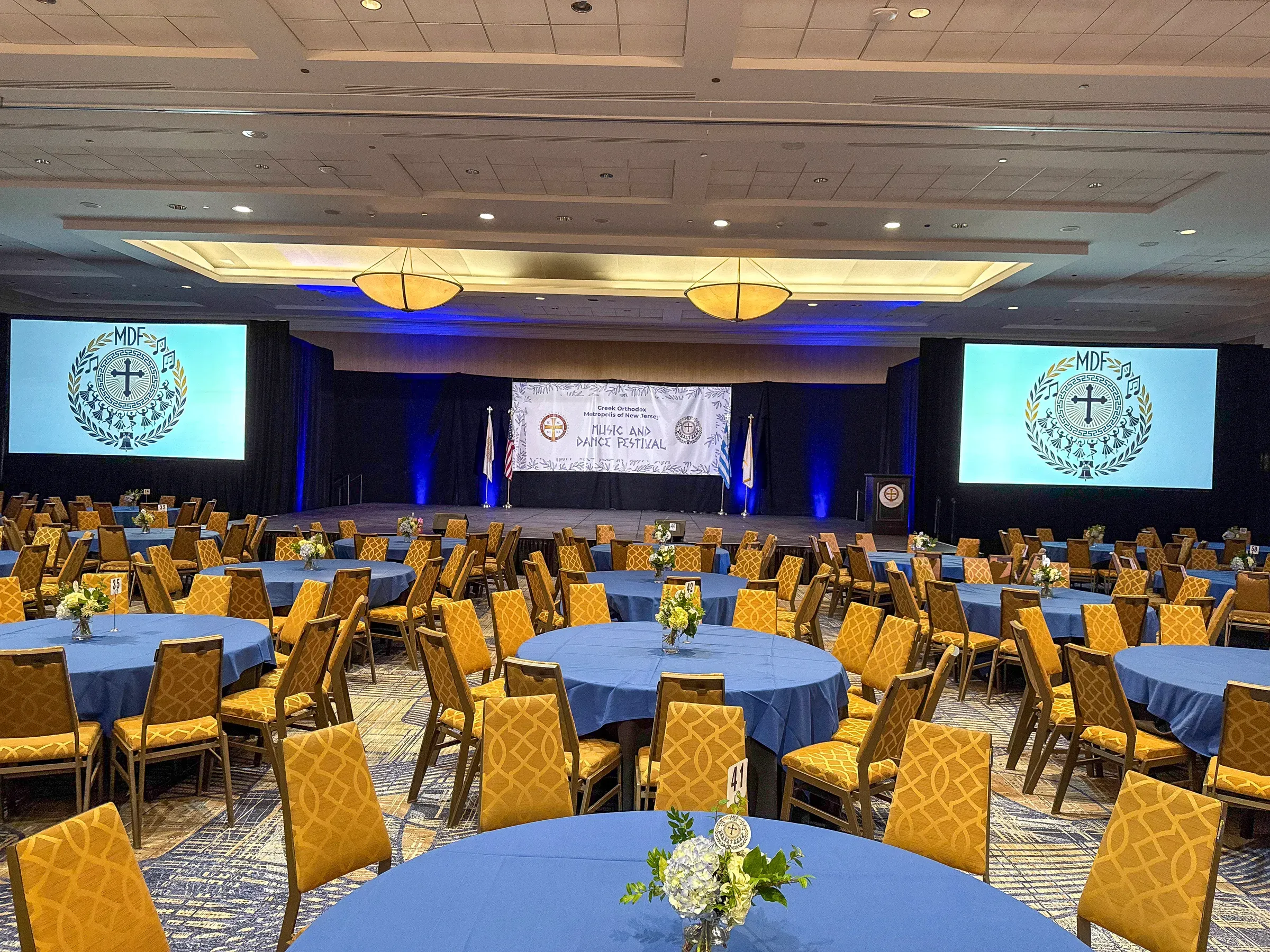
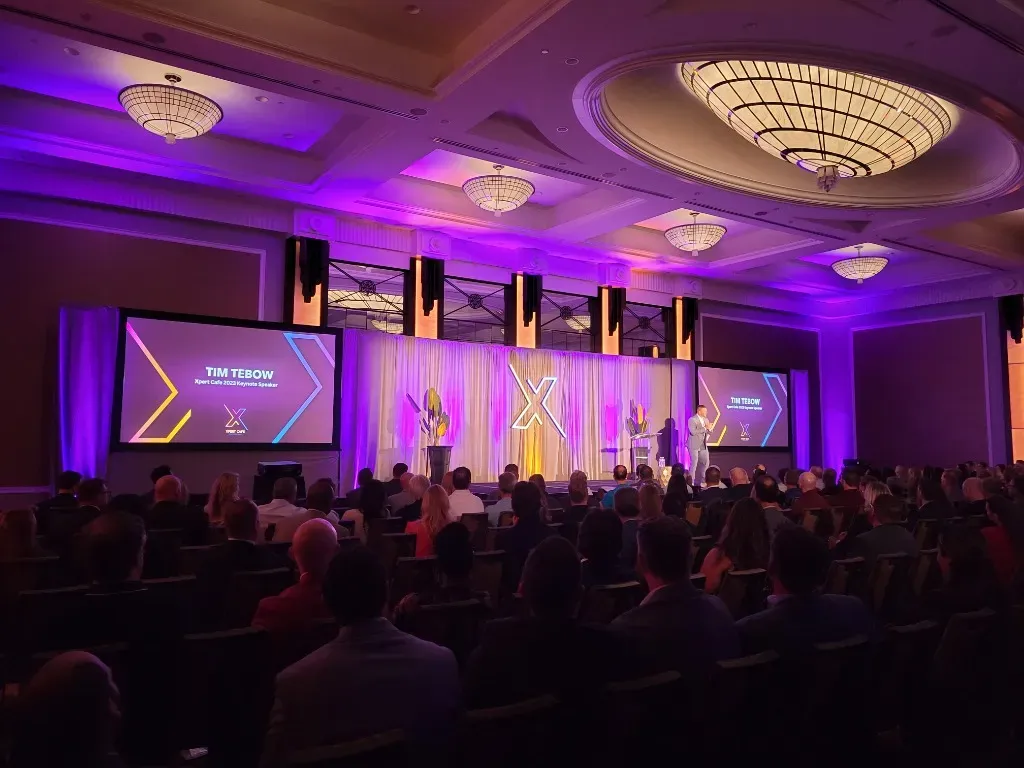
Produced webinars, company town halls and all-hands meetings, with cameras, lighting, clear audio, graphics and remote guests, run by our technicians so your presenters only have to present.

  • Company town halls and all-hands meetings
  • Investor and board updates
  • Product launches and announcements
  • Customer and member webinars
Technician running a produced program from the production desk
What's included

What you get

  • Presenter-ready setup

    Cameras, lighting and microphones that make presenters look and sound professional, whether they're on a stage, at a desk or in a conference room.

  • Slides, video and graphics

    Presentations, video clips, name titles and branded graphics switched live, with layouts that show the presenter and the slide together.

  • Remote guests and panels

    Guests join from anywhere and appear on screen as part of the program, with a tech check before you go live.

  • Your webinar platform

    We send the program into the platform your company or audience already uses, and handle the technical side while you run the content.

  • Run of show and rehearsal

    A rehearsal and a clear cue sheet, so transitions between speakers, videos and Q&A happen on time.

  • Recording for later

    A clean recording of the program to post or share with anyone who missed it.

More than a video call

A webinar run from a laptop camera and a headset mic tells your audience it wasn’t a priority. A produced webinar looks and sounds like a broadcast: presenters well lit and clearly heard, slides that switch on cue, remote guests that appear smoothly, and branded graphics throughout.

Your team presents, we run the show

Our technicians handle the cameras, audio, switching and streaming, so your presenters and moderators can focus on the content. We work from a run of show you approve, rehearse the transitions, and keep everything moving on time once you’re live.

Recurring town halls and all-hands meetings

For regular company meetings, we keep your setup, graphics and run of show consistent from one session to the next, so each meeting is quick to set up and looks the same every time.
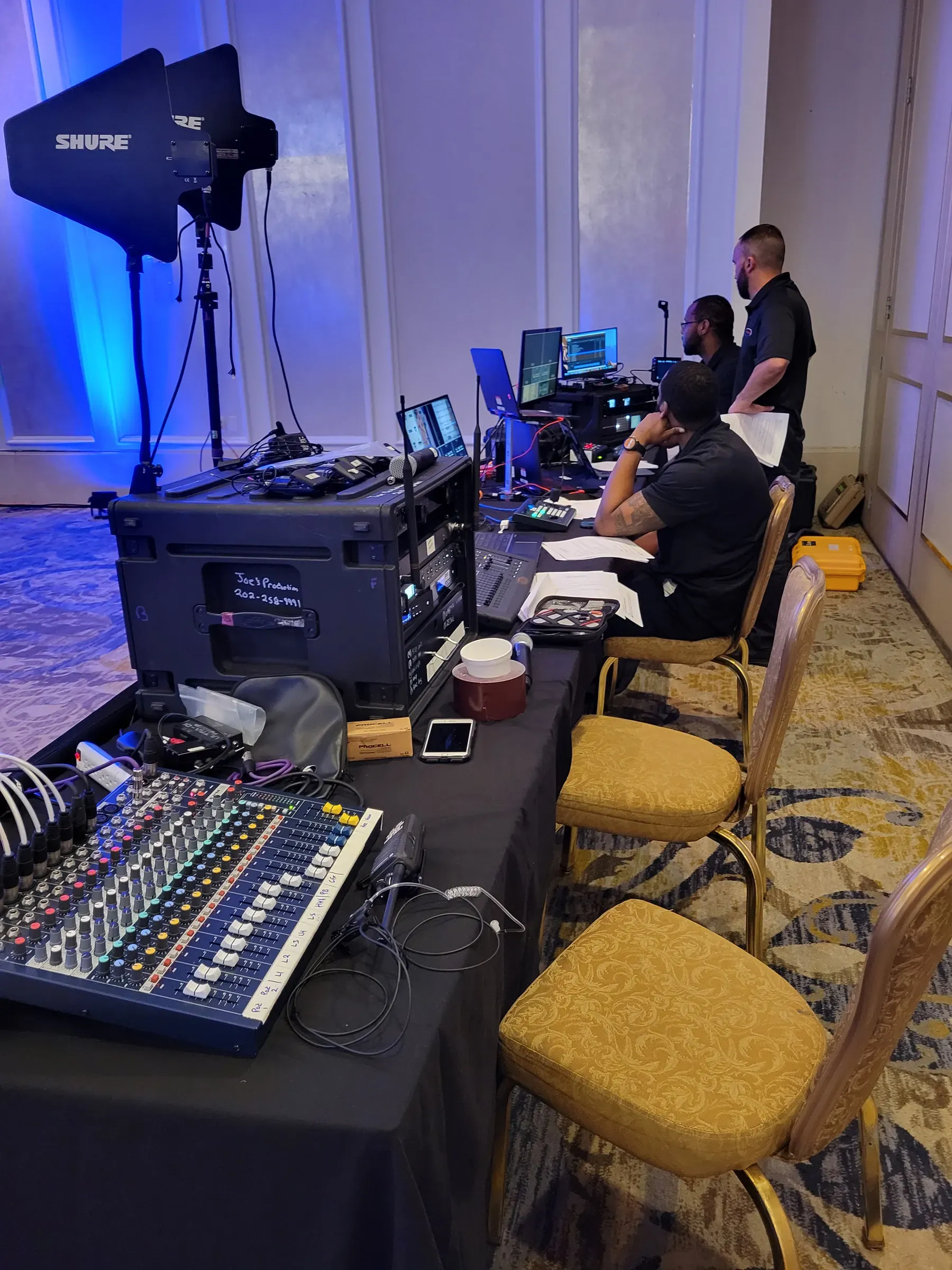
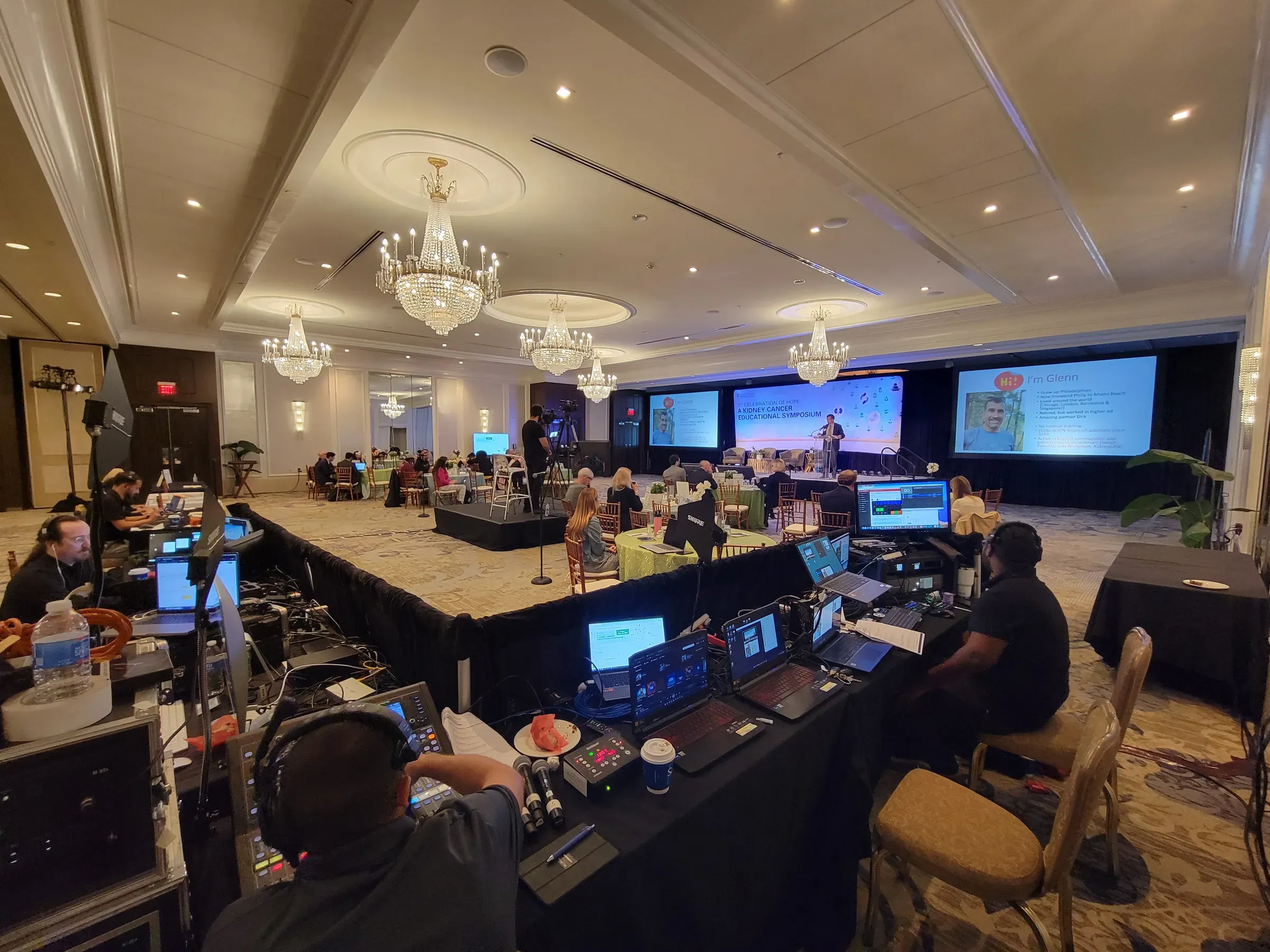
On the job
FAQ

Common questions

Do we need a studio for a produced webinar?

No. We can produce from your office, a conference room, a hotel meeting room or an event stage. We bring the cameras, lighting, audio and switching, and set up a presenter position that looks good on camera.

Can you work with the webinar platform we already use?

Yes. We feed our program into your platform, so your registration, attendee list and reporting stay where they are. We test the connection with you before going live.

Can presenters join from different locations?

Yes. Remote presenters join by video call and appear in the program alongside anyone on site. We run a short tech check with each of them beforehand.

How far ahead should we book?

Tell us as early as you can, especially for recurring town halls or launch dates. A short call is enough to plan the setup, and we'll schedule a rehearsal before the live date.

Ready to plan it?

Tell us the date, venue and what you have in mind. We'll follow up within one business day with recommendations and a quote.

Call (888) 961-9700Get a Quote